Introduction
Sales teams depend on email to reach prospects, start conversations, and generate opportunities. But even a well-written sales email cannot produce results if it never reaches the recipient's inbox.
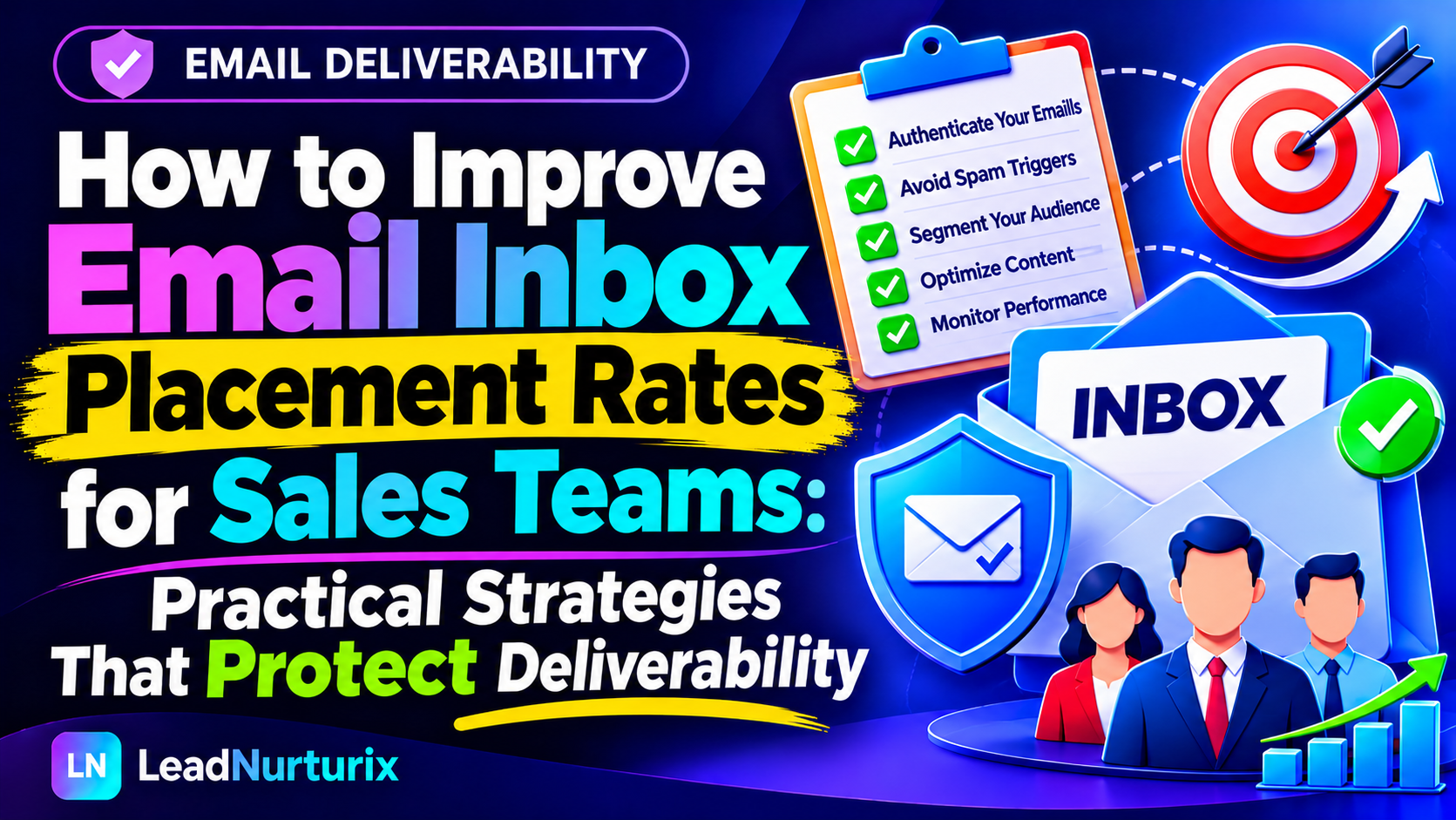
Understanding how to improve email inbox placement rates for sales teams requires more than changing subject lines or reducing the number of links. It involves building a reliable sending infrastructure, maintaining healthy prospect data, controlling campaign volume, and monitoring deliverability signals.
This article explains practical steps sales managers and outbound teams can use to improve inbox placement without damaging their sending domains.
Quick Answer: How Can Sales Teams Improve Email Inbox Placement?
Sales teams can improve email inbox placement by configuring SPF, DKIM, and DMARC correctly, using verified prospect data, sending relevant messages, gradually increasing volume, monitoring spam complaints and bounce rates, and regularly testing inbox placement. Every representative should follow consistent sending practices rather than operating independently without deliverability controls.
Table of Contents
- Understand Email Inbox Placement
- Configure Email Authentication Correctly
- Maintain Clean and Relevant Prospect Lists
- Control Sending Volume Across the Team
- Improve Sales Email Relevance
- Monitor Deliverability Performance
- Create a Team-Wide Deliverability Process
- Common Mistakes Sales Teams Should Avoid
- Frequently Asked Questions
1. Understand Email Inbox Placement Before Optimizing Campaigns
Email delivery and inbox placement are not the same thing.
- Email delivery: The receiving server accepts the message.
- Inbox placement: The message reaches the recipient's primary inbox or another inbox category rather than spam or junk.
A campaign can show successful delivery while many messages still land in spam. Similarly, open rates alone cannot confirm inbox placement.
Sales managers should evaluate deliverability using multiple signals, including bounce rates, spam complaints, provider-level reputation data, and controlled inbox placement tests.
2. Configure Email Authentication Correctly
Authentication helps receiving email providers verify that messages are authorized and genuinely associated with the sending domain.
Sales teams should review three important records:
| Record | Purpose |
|---|---|
| SPF | Identifies authorized sending servers |
| DKIM | Adds a cryptographic signature to outgoing messages |
| DMARC | Defines how receiving servers handle messages that fail authentication checks |
Google requires bulk senders sending more than 5,000 messages daily to Gmail accounts to configure SPF, DKIM, and DMARC, among other requirements. Even teams sending lower volumes should configure all three where possible. https://support.google.com/mail/answer/81126.
Practical steps:
- Identify every platform authorized to send email for the domain.
- Configure SPF without creating multiple SPF records.
- Enable DKIM for each sending platform.
- Publish a DMARC record and review authentication reports.
- Test records after making DNS changes.
Useful checks: SPF Checker, DKIM Checker, and DMARC Checker.
3. Maintain Clean and Relevant Prospect Lists
Poor prospect data can damage deliverability across an entire sales operation.
Outdated addresses, invalid mailboxes, irrelevant contacts, and incorrectly collected prospects can increase hard bounces and negative recipient feedback.
Sales teams should establish a consistent data-quality process:
- Verify addresses before adding them to campaigns.
- Remove invalid and previously bounced contacts.
- Suppress unsubscribed recipients and complaint-related addresses.
- Avoid purchased lists with unknown sources or consent status.
- Segment prospects by industry, role, company size, and business relevance.
- Recheck older records before using them in new campaigns.
Verification reduces avoidable invalid-address sends, but it does not guarantee inbox placement. A valid address can still belong to someone who does not want the message.
4. Control Sending Volume Across the Team
One representative sending a reasonable number of emails may not be a problem. However, several representatives using the same domain or infrastructure can collectively create a sudden volume spike.
Sales managers should establish sending limits and monitor aggregate activity across all representatives.
Recommended practices:
- Start with a conservative sending volume.
- Increase volume gradually when performance remains healthy.
- Avoid sudden bursts after periods of inactivity.
- Maintain consistent sending patterns.
- Reduce volume when bounce rates, deferrals, or spam complaints increase.
- Separate operational, transactional, and outbound campaign traffic where appropriate.
Google recommends consistent sending rates, gradual volume increases, and monitoring domain reputation and spam rates. https://support.google.com/mail/answer/81126.
There is no universal safe daily sending limit for every domain. Infrastructure, provider restrictions, reputation, recipient behavior, and sending history all matter.
5. Improve Sales Email Relevance
Deliverability is not only a technical issue. Recipient reactions also influence how email providers evaluate incoming messages.
When prospects repeatedly ignore, delete, or report messages, the sending domain may experience reputation problems.
Sales teams should prioritize relevance over sending volume.
Improve campaign relevance by:
- Targeting decision-makers who match the offer.
- Personalizing messages using accurate business information.
- Writing clear subject lines that reflect the actual message.
- Explaining why the offer is relevant to the recipient.
- Avoiding misleading claims and unnecessary promotional language.
- Making it easy for recipients to stop receiving unwanted outreach.
For cold outreach, follow applicable laws and platform policies. Do not assume that a publicly available business email address automatically means its owner wants unsolicited messages.
6. Monitor Deliverability Performance
A sales team needs visibility into its sending performance before a small problem becomes a domain-wide issue.
Use a combination of monitoring methods:
| Monitoring Method | What It Helps Identify |
|---|---|
| Google Postmaster Tools | Gmail spam rates, authentication, and reputation signals |
| Microsoft SNDS | Sending IP reputation and related data for eligible senders |
| Inbox placement tests | Where test messages arrive in selected mailboxes |
| Bounce reports | Invalid addresses and server rejection patterns |
| DNS checkers | SPF, DKIM, DMARC, and configuration problems |
Google Postmaster Tools provides information about authentication, spam rates, and domain or IP reputation for eligible sending traffic. https://support.google.com/mail/answer/14668346.
Do not treat open rates as proof of inbox placement. Tracking limitations and privacy features can make them unreliable indicators.
7. Create a Team-Wide Deliverability Process
Deliverability should be managed as an operational responsibility, not left entirely to individual sales representatives.
A simple team process can include:
| Frequency | Responsibility |
|---|---|
| Before launch | Check authentication, prospect data, and campaign setup |
| Daily | Review bounces, replies, complaints, and sending activity |
| Weekly | Review domain performance and campaign-level trends |
| Monthly | Audit sending infrastructure, access, and team practices |
Assign an owner to review performance and pause campaigns when serious problems appear. Maintain shared suppression lists so one representative does not contact an address another representative has already removed.
Common Email Deliverability Mistakes Sales Teams Should Avoid
Avoid these practices:
- Sending large volumes immediately after setting up a new domain.
- Using unverified or outdated prospect lists.
- Allowing representatives to send without shared limits.
- Ignoring authentication failures.
- Continuing campaigns despite rising bounce rates.
- Treating open rates as reliable inbox-placement measurements.
- Using misleading subject lines or irrelevant personalization.
- Ignoring unsubscribe requests and recipient complaints.
One poorly managed campaign can affect more than its individual sender. Shared domains and sending infrastructure can expose other team members to the same reputation problems.
Frequently Asked Questions
1. What is a good email inbox placement rate for sales teams?
There is no universal benchmark that guarantees success. Results vary by provider, recipient segment, sending infrastructure, and testing method. Monitor trends across representative mailboxes and actual campaign performance.
2. Does email authentication improve inbox placement?
Correct SPF, DKIM, and DMARC configuration helps receiving providers verify sending identity. Authentication is essential, but it does not guarantee inbox delivery.
3. How often should sales teams verify prospect email addresses?
Verify addresses before adding them to campaigns, and recheck older records when they have not been used for an extended period. The appropriate schedule depends on list age and data sources.
4. Can multiple sales representatives damage domain reputation?
Yes. Their combined sending activity, bounce rates, and recipient complaints can affect shared domains or sending infrastructure.
5. Do email open rates indicate inbox placement?
No. Open tracking can be affected by privacy features, image blocking, and automated activity. Use multiple deliverability signals instead.
6. Should sales teams use separate domains for outbound email?
Some organizations use dedicated sending domains to separate outbound activity from their primary business communications. However, additional domains still require proper authentication, reputation management, and responsible sending practices.
7. How long does it take to improve email deliverability?
There is no fixed recovery timeline. It depends on the underlying problem, provider response, sending history, and how consistently the team follows corrective practices.
Conclusion
Improving email inbox placement rates for sales teams requires coordinated technical and operational practices. Correct authentication, clean prospect data, controlled sending volume, relevant outreach, and consistent monitoring all contribute to healthier email deliverability.
The most important step is to make deliverability a shared team responsibility. When sales representatives follow the same standards and managers monitor performance regularly, the organization is better positioned to protect its sending reputation and maintain reliable prospect communication.
Editorial Policy
LeadNurturix publishes educational content focused on email deliverability, cold email outreach, and B2B lead generation. Recommendations are based on established email-sending practices and publicly available technical guidance. Readers should verify provider-specific requirements before implementing changes.
Content Transparency Statement
This article is an educational resource, not a guarantee of inbox placement or campaign performance. Email providers use proprietary filtering systems, and results can vary. Technical requirements and platform policies may change.
About the Author
Talha is a Cold Email and B2B Lead Generation Specialist with over five years of experience in prospect research, email outreach, campaign infrastructure, and deliverability optimization. Through LeadNurturix, he focuses on helping businesses improve outbound email operations and build more reliable B2B outreach systems.