Introduction
Have you ever received an email from a company and wondered whether the sender knows it went straight to your spam folder? Or perhaps you have sent an email and worried that the recipient might never see it because their email provider filtered it.
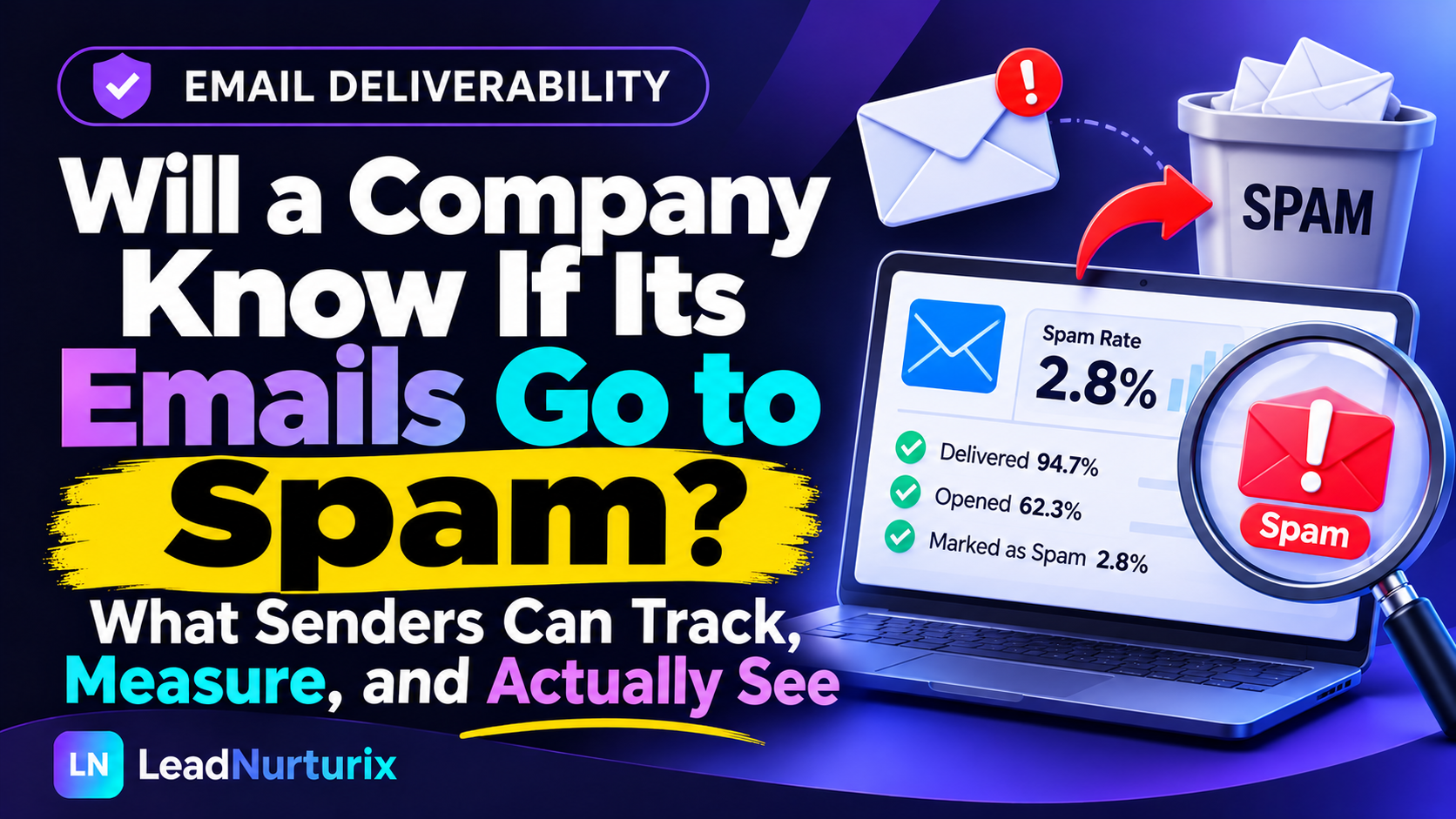
The question is: will a company know if their emails go to spam?
In most cases, no. Companies generally cannot see whether an individual email has landed in a recipient's spam folder. Email providers such as Gmail and Outlook do not normally send the sender a notification every time a message is automatically filtered into spam.
However, companies can monitor delivery signals, track recipient interactions, receive spam complaint feedback, and analyze their overall email deliverability.
Understanding the difference between email delivery, inbox placement, opens, and spam complaints helps businesses identify problems and improve their email performance.
Quick Answer: Will a Company Know If Its Emails Go to Spam?
No, a company generally cannot know whether a specific email has automatically landed in someone's spam folder.
However, companies can:
- Monitor whether receiving mail servers accept or reject their emails.
- Track email opens and clicks using tracking technology, although these measurements have limitations.
- Monitor domain and IP reputation.
- Receive aggregated spam complaint data through supported feedback systems.
- Test inbox placement using specialized email deliverability platforms.
- Identify delivery problems through email service provider reports.
Important: An email marked as delivered does not necessarily mean it reached the recipient's primary inbox. It may have landed in spam, junk, promotions, or another folder.
Table of Contents
- Can a company tell if you received its email in spam?
- How do companies track email delivery?
- What can email tracking tools actually reveal?
- Can Gmail or Outlook tell companies about spam placement?
- What is the difference between delivered and inbox placement?
- How can companies check if their emails are going to spam?
- Why do business emails end up in spam?
- How can companies improve email deliverability?
- Frequently asked questions
- Conclusion
1. Can a Company Tell If You Received Its Email in Spam?
Generally, no. When a company sends an email, the recipient's email provider decides where that message should appear.
For example, Gmail may place an incoming message in:
- Primary inbox
- Promotions
- Social
- Updates
- Spam
The sender usually does not receive information identifying the exact folder where the message was placed.
Why Can't Companies See Your Spam Folder?
Email providers control their users' inbox environments. They use spam filtering systems to protect recipients from unwanted, suspicious, or potentially harmful messages.
These systems evaluate multiple signals, including:
- Sender domain reputation
- Sending IP reputation
- SPF, DKIM, and DMARC authentication
- Email content and links
- Sending patterns and volume
- Previous recipient interactions
- User-reported spam complaints
The receiving provider uses these signals to determine whether an email should be accepted, rejected, or filtered.
Companies can monitor some of these signals, but they generally cannot access an individual recipient's private mailbox folders.
Example
Imagine a software company sends a product update to 500 customers.
- 500 emails are accepted by receiving mail servers.
- 350 appear in recipients' primary inboxes.
- 100 land in spam.
- 50 appear in other folders.
The company's sending platform might report 500 delivered emails without identifying which 100 landed in spam.
This is why delivery reports alone cannot confirm successful inbox placement.
2. How Do Companies Track Email Delivery?
Companies use email service providers and marketing automation platforms to monitor campaign performance.
These platforms provide useful information about what happens after an email is sent. However, each tracking method has limitations.
A. Email Delivery Reports
Delivery reports show whether the receiving mail server accepted or rejected an email.
For example, a successful SMTP response generally indicates that the receiving server accepted responsibility for the message.
It does not confirm that the email reached the primary inbox.
B. Bounce Notifications
A bounce occurs when an email cannot be delivered successfully.
There are two common types:
| Bounce type | Meaning |
|---|---|
| Hard bounce | The email address is invalid or permanently rejected. |
| Soft bounce | A temporary delivery problem occurred, such as a full mailbox or temporary server issue. |
Bounce notifications help companies identify delivery failures.
However, an email automatically placed in spam does not necessarily generate a bounce notification.
C. Email Open Tracking
Many email marketing platforms use tracking pixels to estimate whether recipients open messages.
When an email client loads the tracking image, the platform may record an open event.
However, open tracking is not completely reliable because:
- Some email clients block tracking images.
- Privacy features can preload tracking pixels.
- Security systems may automatically load images.
- Some recipients read emails without loading external content.
Therefore, an open notification does not always mean a person actually read the email.
D. Click Tracking
Companies can also track clicks on links included in their emails.
This helps them understand whether recipients interact with campaign content.
However, security scanners and automated link-checking systems can sometimes generate clicks that do not represent genuine human engagement.
3. What Can Email Tracking Tools Actually Reveal?
Email tracking platforms provide several types of information, but none should be treated as complete proof of individual inbox placement.
| Tracking feature | What it reveals | Confirms spam placement? |
|---|---|---|
| Delivery tracking | Receiving server acceptance | No |
| Bounce tracking | Failed delivery attempts | No |
| Open tracking | Estimated email opens | No |
| Click tracking | Recorded link interactions | No |
| Spam complaint reports | Recipients reporting messages as spam | Partially |
| Inbox placement testing | Where test messages land | Yes, for tested accounts |
| Domain reputation monitoring | Sender reputation signals | No |
Popular Email Tracking and Deliverability Platforms
Some commonly used platforms include:
- Instantly: Campaign analytics and email outreach management.
- Smartlead: Campaign reporting and mailbox management.
- Mailgun: Email delivery events and reporting.
- Postmark: Message delivery activity and diagnostics.
- GlockApps: Inbox placement testing and deliverability analysis.
These platforms help businesses understand email performance, but their features and reporting capabilities differ.
4. Can Gmail or Outlook Tell Companies About Spam Placement?
Email providers offer monitoring systems that help senders understand their email performance.
However, these systems generally provide aggregated information rather than revealing the exact folder containing every individual recipient's message.
Gmail Postmaster Tools
Google Postmaster Tools helps eligible senders monitor their outgoing email performance to personal Gmail accounts.
Its dashboards provide information about:
- Domain reputation
- IP reputation
- Email authentication
- Spam rates
- Delivery errors
- Sender compliance
One important distinction is that Gmail's spam rate dashboard measures messages that recipients receive in their inbox and subsequently mark as spam.
It does not simply count every message Gmail automatically filters into spam.
Google also explains that when many messages are automatically directed to spam, the reported user spam rate may appear unusually low because fewer messages reach the inbox in the first place. Google Postmaster Tools documentation.
Microsoft Sender Monitoring
Microsoft provides sender monitoring resources, including Smart Network Data Services (SNDS), which help qualifying senders understand aspects of their sending IP reputation and traffic.
These tools are useful for identifying potential reputation and filtering problems.
However, they should not be treated as a way to inspect an individual recipient's Outlook spam folder.
What About Spam Complaint Feedback?
Some email providers support feedback mechanisms that allow senders to receive information when recipients report their messages as spam.
These systems help businesses identify campaigns generating negative recipient feedback.
However, complaint reporting does not necessarily reveal the identity of the individual recipient or every message automatically filtered into spam.
5. What Is the Difference Between Delivered and Inbox Placement?
This is one of the most important concepts in email deliverability.
Many businesses assume that if their email marketing platform reports 100% delivery, all messages must have reached recipients' inboxes.
That assumption is incorrect.
Email delivery generally means the receiving mail server accepted the message.
Inbox placement refers to where the receiving email provider actually places the message.
| Factor | Email delivery | Inbox placement |
|---|---|---|
| Main purpose | Confirms server acceptance | Measures message location |
| Spam folder visibility | Not confirmed | Can be tested |
| Bounce information | Available | Not necessarily available |
| Requires inbox testing | No | Often yes |
| Measures primary inbox arrival | No | For tested mailboxes |
Why Does This Difference Matter?
Consider a company running a B2B cold email campaign.
Its sending platform reports:
- 1,000 emails sent.
- 980 emails delivered.
- 20 bounced emails.
At first glance, this looks like a successful campaign.
However, if 400 accepted emails land in spam, the business has a significant deliverability problem.
The sending platform's delivery report alone would not reveal the full situation.
This is why professional email marketers evaluate inbox placement separately from delivery rates.
6. How Can Companies Check If Their Emails Are Going to Spam?
Although companies cannot directly inspect every recipient's spam folder, they can use several methods to estimate and test inbox placement.
Here is a practical process.
Step 1: Send Test Emails to Different Providers
Create test email accounts with different providers, including:
- Gmail
- Outlook
- Yahoo Mail
- Microsoft 365
Send test messages and check where they appear.
This helps identify whether a particular email provider is filtering your messages.
Step 2: Use an Inbox Placement Testing Tool
Specialized deliverability platforms can send test messages to monitored inboxes and report whether they land in the inbox, spam, or another folder.
These tests provide more useful placement information than ordinary delivery reports.
Remember that test inbox results are indicators, not guarantees of placement for every real recipient.
Step 3: Check Email Authentication
Verify that your sending domain has properly configured:
- SPF (Sender Policy Framework)
- DKIM (DomainKeys Identified Mail)
- DMARC (Domain-based Message Authentication, Reporting, and Conformance)
These authentication protocols help receiving servers verify sender identity and reduce email spoofing.
You can use the following free LeadNurturix tools to inspect your domain:
- SPF Record Checker – Check your SPF record and DNS lookup count.
- DKIM Record Checker – Verify whether your DKIM signature is published.
- DMARC Checker – Review your domain's DMARC policy.
Step 4: Monitor Domain and IP Reputation
A poor sending reputation can negatively affect future email delivery.
Monitor your domain and IP reputation through available provider dashboards.
For an initial technical assessment, use the LeadNurturix Domain Scanner.
It checks public DNS information, including MX, SPF, DKIM, DMARC, and other security records.
Keep in mind that a technical DNS scan does not establish actual inbox placement or blacklist status.
Step 5: Analyze Campaign Performance
Review bounce rates, spam complaints, engagement patterns, and replies.
If engagement suddenly drops across multiple campaigns, investigate deliverability rather than immediately assuming recipients have lost interest.
7. Why Do Business Emails End Up in Spam?
Several factors can cause legitimate business emails to land in spam folders.
Understanding these problems is essential for maintaining consistent email deliverability.
1. Poor Domain Reputation
Email providers evaluate sending history and recipient feedback.
If a domain repeatedly sends unwanted messages or generates spam complaints, its reputation may decline.
2. Missing Email Authentication
Incorrect or missing SPF, DKIM, and DMARC records can create authentication problems.
Google requires email senders to meet specific authentication and technical requirements, with additional requirements for bulk senders.
Businesses can review their authentication setup using the SPF Checker, DKIM Checker, and DMARC Checker.
3. Low-Quality Email Lists
Sending messages to outdated, invalid, or irrelevant addresses increases bounce rates and can lead to negative recipient reactions.
Companies should verify their contact lists and remove invalid addresses before launching campaigns.
4. Excessive Sending Volume
Suddenly sending large numbers of emails from a new or inactive domain can trigger filtering and rate-limiting problems.
Gradual volume increases and consistent sending practices are preferable.
5. Irrelevant Email Content
Generic messages, misleading subject lines, excessive links, and promotional language can negatively affect recipient engagement and filtering outcomes.
However, spam filtering is not based on individual trigger words alone. Sender reputation, authentication, recipient behavior, and other signals also matter.
Before launching a campaign, businesses can review their message using the LeadNurturix Email Copy Spam Checker.
If the checker identifies problematic wording, the Anti-Spam Email Fixer can help clean up the email copy.
8. How Can Companies Improve Email Deliverability?
Improving deliverability requires more than changing an email subject line.
Businesses should focus on their complete sending infrastructure and campaign practices.
Here are practical recommendations:
- Configure SPF, DKIM, and DMARC: Authenticate your sending domain correctly.
- Use relevant contact lists: Target people who have a legitimate reason to receive your emails.
- Verify email addresses: Remove invalid and outdated contacts.
- Maintain consistent sending patterns: Avoid sudden, unexplained increases in sending volume.
- Personalize email content: Write messages that address the recipient's actual business needs.
- Monitor spam complaints: Investigate campaigns that generate negative feedback.
- Test inbox placement: Regularly check Gmail, Outlook, and other major providers.
- Make unsubscribing easy: Respect recipient preferences and applicable email requirements.
- Monitor domain reputation: Identify problems before they affect larger campaigns.
For bulk email senders, Google recommends keeping the reported spam rate below 0.10% and avoiding rates of 0.30% or higher.
A good deliverability strategy combines technical configuration, relevant targeting, responsible sending practices, and continuous monitoring.
Businesses that need help with their sending infrastructure can also explore LeadNurturix Email Infrastructure Setup and Deliverability Services.
Frequently Asked Questions (FAQs)
1. Can a company see if I opened its email?
Sometimes. Companies can use tracking pixels to estimate email opens. However, privacy features, image blocking, and automated security systems can affect the accuracy of these reports.
2. Does a company know if I move its email to spam?
Not necessarily. Some email providers share aggregated spam complaint information with eligible senders, but companies generally do not receive an individual notification every time someone moves a message to spam.
3. Will a company know if I never open its email?
A company may see no recorded open event in its tracking platform. However, this does not prove that you never read the message because open tracking is not completely reliable.
4. Can an email be delivered but still go to spam?
Yes. A receiving mail server can accept an email and subsequently place it in the spam folder. This is why delivery and inbox placement are different measurements.
5. Does marking an email as spam notify the sender?
The email provider may use your report to update its spam filtering systems and share complaint information through supported feedback mechanisms. However, the sender does not necessarily receive your identity or an individual notification.
6. Can Gmail automatically send company emails to spam?
Yes. Gmail uses automated filtering systems that evaluate sender reputation, authentication, message characteristics, and other signals to identify potentially unwanted messages.
7. Can email tracking software detect spam folders?
Ordinary open and click tracking cannot reliably identify spam folder placement. Specialized inbox placement testing tools can check where test messages arrive in monitored accounts.
8. Does a high email delivery rate mean good deliverability?
Not necessarily. A high delivery rate indicates that receiving servers accepted many messages. It does not confirm that those messages reached recipients' primary inboxes.
Conclusion
So, will a company know if their emails go to spam?
Usually, no. Companies cannot normally see the exact folder where an individual recipient's email lands. However, they can use delivery reports, spam complaint feedback, reputation monitoring, and inbox placement testing to understand their overall email performance.
The most important thing is to understand that successful email delivery and successful inbox placement are not the same.
Businesses that want better results should focus on proper email authentication, relevant contact lists, responsible sending practices, and regular deliverability monitoring.
If your business depends on cold email or email marketing, identifying inbox placement problems early can help protect your sender reputation and improve campaign performance.
For additional support, explore the email deliverability resources and services available at LeadNurturix.
Editorial Policy
LeadNurturix aims to publish practical, informative content about email marketing, B2B lead generation, email authentication, and deliverability.
Articles are written to explain technical concepts in accessible language, supported by relevant industry documentation and practical recommendations.
Content Transparency Statement
This article is intended for educational purposes. Email provider policies, monitoring capabilities, and deliverability technologies may change over time.
The information presented distinguishes between confirmed delivery, estimated engagement, spam complaint reporting, and inbox placement testing. No third-party tracking method should be treated as definitive proof of an individual recipient's mailbox activity.
About the Author
Talha is a Cold Email and B2B Lead Generation Specialist with over five years of experience in prospect research, email infrastructure, campaign management, and deliverability.
Through LeadNurturix, he focuses on helping businesses build reliable cold email systems, improve sender reputation, and reach relevant prospects through targeted outreach.
External Authority Sources
These official resources support the technical information in this article:
.png)